

How to Build an Internal Device Audit Routine for Your Macs & iPads
October 8th, 2025
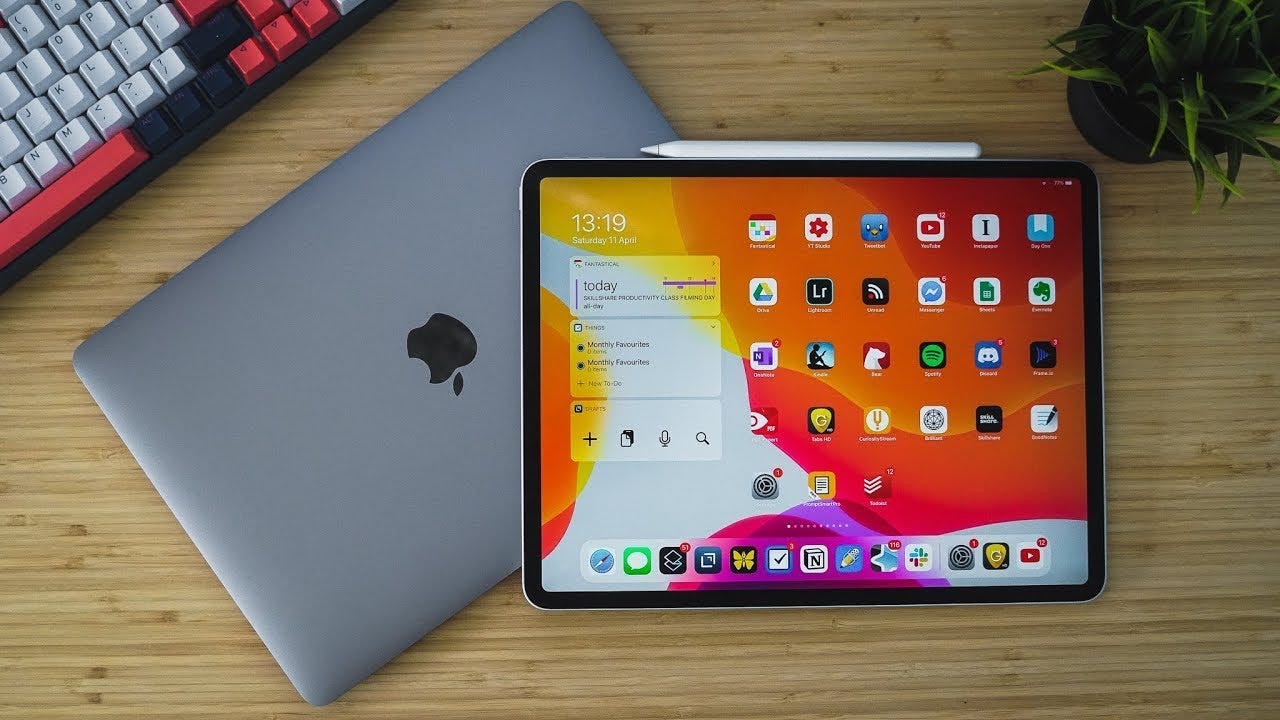
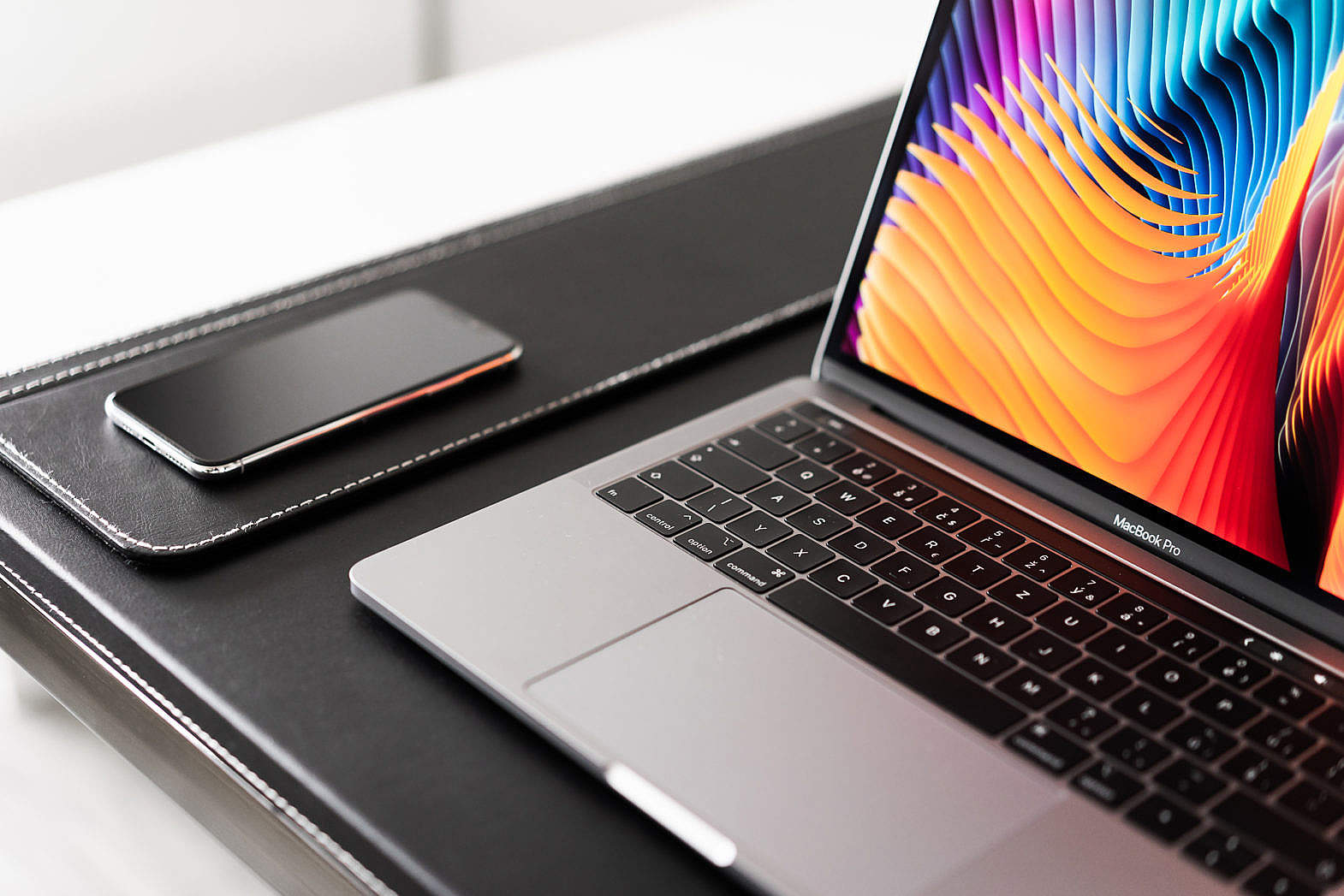
If your team lives on Macs and iPads, an internal device audit routine is basically tech insurance. Without it, little things — like skipped updates, sneaky unapproved apps, or someone turning off encryption because “it’s faster that way” — can quietly snowball into downtime, security gaps, and surprise IT bills.
A simple, well-planned audit process keeps your Apple fleet healthy, compliant, and drama-free — so your IT team can stop putting out fires and focus on the work that actually matters.
Why an Apple Device Audit Is Worth Your Time
- Security that sticks: Regular Mac and iPad audits catch security gaps before they turn into headlines. Think encryption left off, weak passcodes, or outdated macOS.
- IT sanity saver: Stop chasing random tech issues. Knowing exactly what devices you have and what shape they’re in means fewer surprise support tickets.
- Smarter spending: Spot aging hardware early so you can budget for upgrades or trade-ins — instead of buying last-minute replacements when a MacBook dies mid-project.
Step 1: Set Your Baseline
First, decide what “healthy” means for your devices. Your device baseline should cover:
-
Which macOS and iPadOS versions are approved
-
Encryption (FileVault on Macs; iPads are encrypted by default but double-check settings)
-
Which apps are allowed and which are blacklisted
-
Passcode or password strength
-
Required MDM or UEM profiles
Write it down somewhere official (not just “Bob’s mental checklist”). Many companies use the CIS Benchmarks for Apple or Apple’s Platform Security Guide as a starting point.
Step 2: Use the Right Tools
Manually checking every Mac and iPad? Sounds exhausting. Instead, use an MDM (mobile device management) or UEM (unified endpoint management) tool like Jamf, Kandji, Mosyle, or Intune with Apple Business Manager. These platforms can:
- Track your entire Apple fleet in one dashboard
- Flag outdated OS versions, missing encryption, or rogue apps
- Push updates or fixes automatically (goodbye, manual installs)
If you’re extra detail-oriented, you can add built-in macOS commands like system_profiler or security for deeper checks and feed the results into your reporting tool.
Step 3: Pick a Cadence That Works
How often should you audit? Enough to stay secure but not so much it annoys your team.
- Quick checks: Weekly or bi-weekly for basics — OS version, encryption, MDM check-ins.
- Deep dives: Monthly or quarterly for full reviews — apps, security settings, and hardware health.
Some companies use rolling audits — checking a chunk of devices each week — so the workload and user interruptions stay light.
Step 4: Fix What You Find (Fast)
Audits aren’t just paperwork. If you spot issues — outdated macOS, disabled FileVault, or blacklisted apps — log them, assign owners, and fix them quickly. Then recheck and mark the issue closed.
Over time, keep an eye on your device compliance rate and top recurring problems. It’s like a fitness tracker for your Apple fleet — you’ll know where you’re improving and where things slip.
Step 5: Keep It Fresh
Apple loves updates. So should you. As new macOS and iPadOS features roll out, revisit your baseline and tools. Adjust security settings, automate more fixes if possible, and communicate changes to your team so no one’s blindsided.
Quick Best Practices
-
Start small — nail down critical security checks first.
-
Automate as much as you can (your MDM is your friend).
-
Avoid user drama — run heavier scans off-hours or gradually.
-
Pilot changes before going fleet-wide.
-
Review and adjust as your company grows.

Turn Device Audits Into an Advantage
Building an internal Mac and iPad audit process doesn’t have to be complicated — but it does have to be consistent. With the right plan and tools, you’ll keep devices secure, control costs, and give your IT team back some sanity.
💻 Want help setting this up? Digital Fix Consulting helps businesses design and automate Apple device management at scale. As an Apple Authorized Reseller and Jamf expert, we can build your audit workflow, keep compliance tight, and advise on hardware lifecycle — including trade-ins and upgrades.
👉 Contact us today to simplify your device audits and strengthen your Apple security posture.